E-Safety
Our 21st Century children are very much involved in using all types of different technology, both at home and in school.
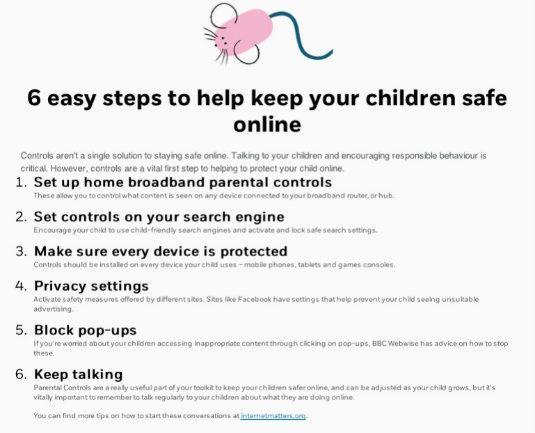
The following information and links are below to boost understanding of how we can all help keep our children safe online.


InHope Digital Literacy Guide
The guide is a free download (no sign-up required) and goes into lots of areas such as "Know your Device", "Interacting Online", "Seeking Help" and more.

|
inhope-digital-literacy-guide | [pdf 13MB] |

|

Google Family Link
Controls & settings guide
Google Family Link is a free way to set parental controls across Android devices. Manage a child device user by allowing parents to set digital rules and setting up supervised devices. You can manage app access, set screen time and device bedtime remotely to help them build good online safety habits when they’re connected to the internet.
|
|
parental-control-google-family-link | [pdf 858KB] |
|
YouTube Parental Controls
Follow the link to find out about restrictions that may help you manage your child's YouTube use and safety.
Social Media Privacy Guides
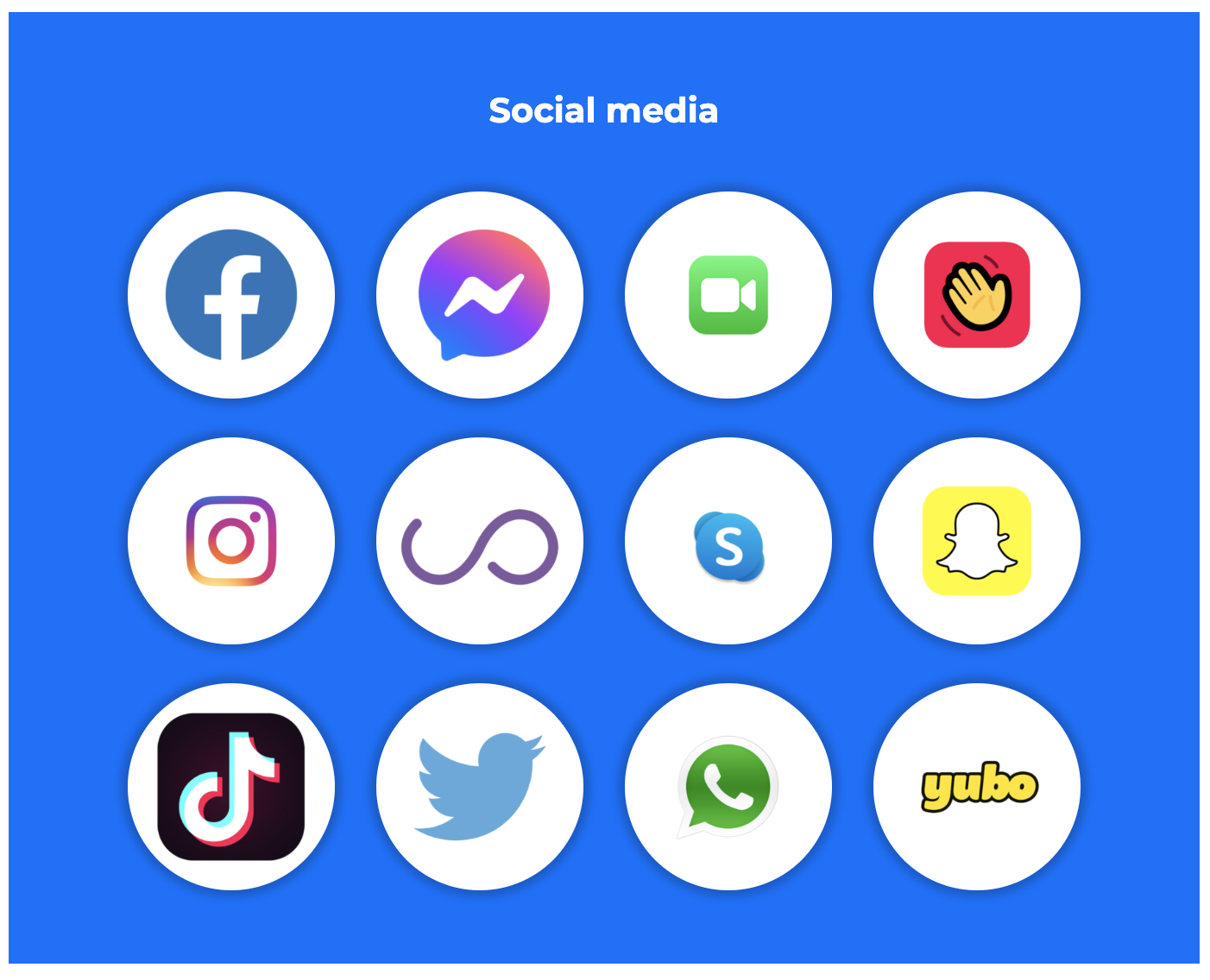
Follow the link to access information on setting up Parental Controls on popular social media sites.
 |
Internet Matters.org |
| Parental Controls for social media |

Family Video Game Database
Head over to Taminggaming.com to read reviews of lots of family freindly video games on various platforms.
YouTube Kids
Read the report by 'Common Sense Media' about how to manage what you children see on YouTube.
|
|
2020 youngkidsyoutube-infographics-flowchartandsleuth final-release forweb | [pdf 3MB] |
|

Ask About Games
A great website dedicated to talking to your children about the games they play and how to set up parental controls.
Follow the link to a short video about children and Online Gaming

Parental Controls for Fortnite
This is an excellent guide for setting up Parental controls in Fortnite
(which has a PEGI rating of 12).

Parent Safety guides for popular apps and games
Lots of good advice for many of the apps and games used by children.
Please follow the link:
Gaming - information for parents and carers
ThinkUKnow (CEOP) have written a pretty comprehensive article for parents and carers regarding gaming including chatting, risks, tips etc. You can view the full article here:

Safer Internet Day

Social Media Guides
Follow the links below to access the 'Safer Internet Centre's' Social Medis Guides:
Take a Break Reminder for YouTube
As older children start to become phone users they tend to spend longer periods watching video on their device.
Below is a useful link which applies to phones, which sets a 'Take a break' reminder when watching for longer periods:

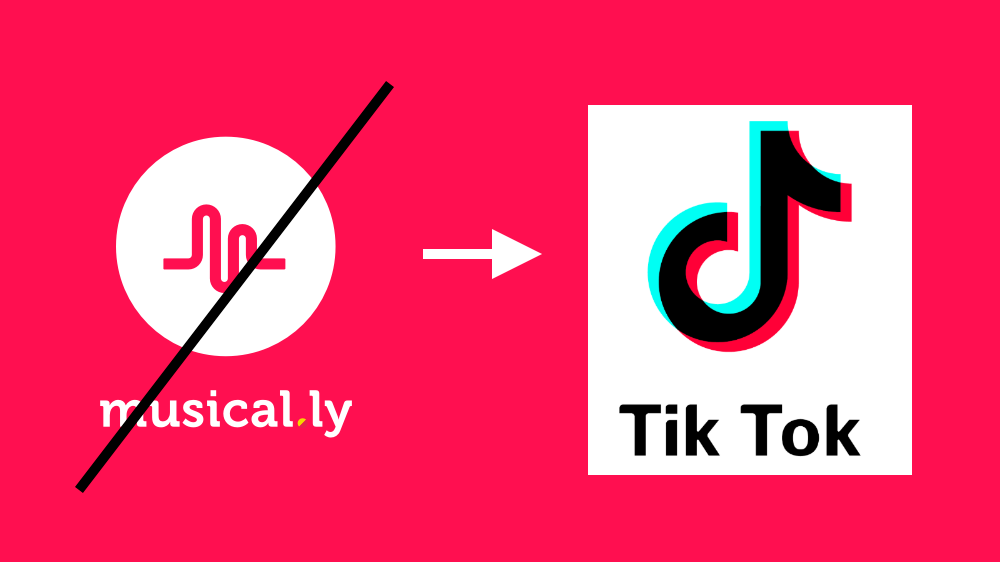
Tik Tok/Musical.ly
Is Tik Tok safe? How does it work?
This popular social media app has started to infiltrate many children's devices.
Please follow the link below to find out more about this app:
E-Safety Links
|
|
Online-gaming | [pdf 578KB] |
|
|
|
Parents and carers checklist | [pdf 204KB] |
|

|
Digital resolutions | [docx 152KB] |
|
|
|
Parents Guide to Instagram | [pdf 608KB] |
|

Pokemon Go
It's always great when new games appear that capture people's imagination.
Children need to ensure they are aware of any risks within a game that can be encountered in the real world.
The NSPCC have published some excellent guidance on their website, please follow the link below:
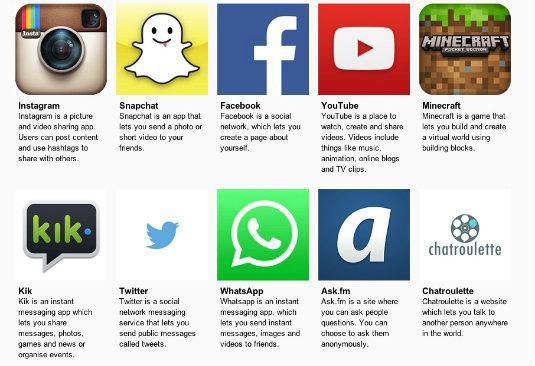
Social Networks
Follow the link to find out more about the Social Networks that your children may use. This is really useful advice provided by the NSPCC.
Stay Safe Online
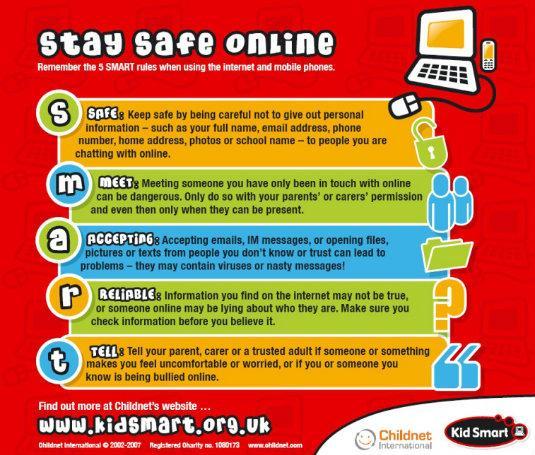
Stay Safe

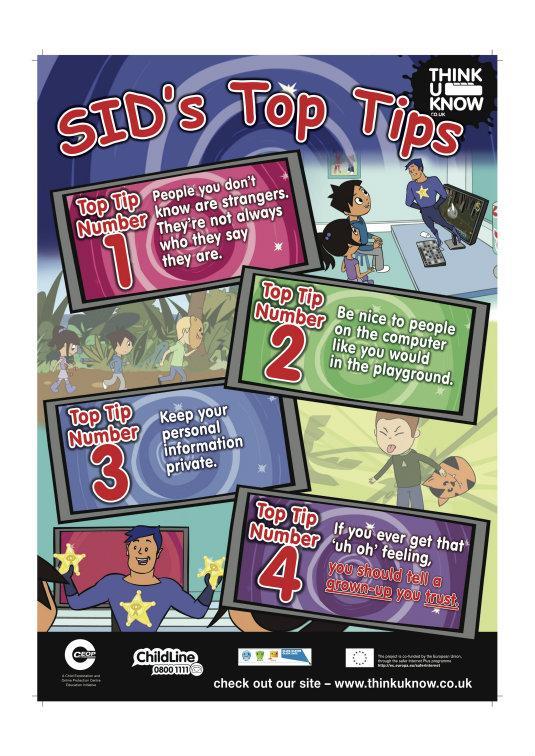
Top Tips
Think
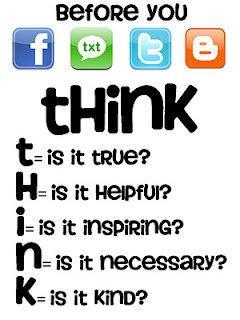
Think